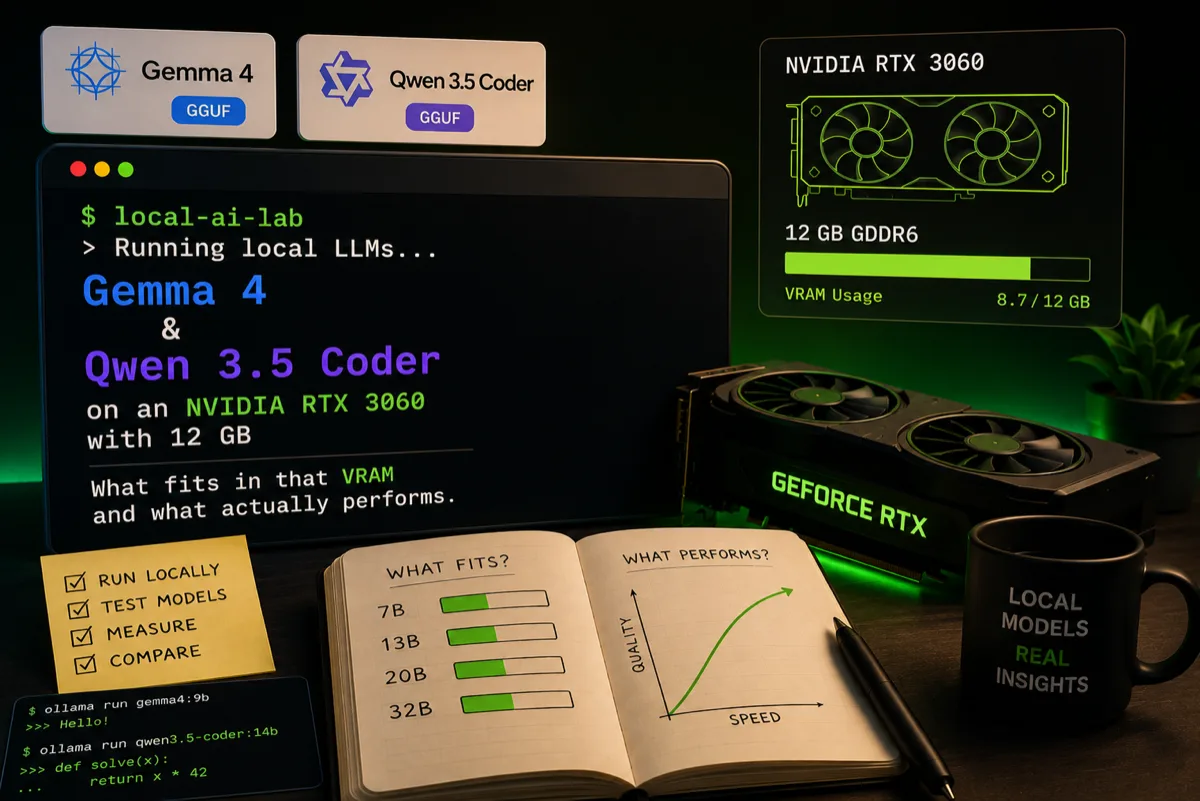
Local LLMs on an RTX 3060: what fits in 12 GB of VRAM
Running Gemma 4 and Qwen 3.5 Coder locally on an NVIDIA RTX 3060 with 12 GB — what fits in that VRAM and what actually performs.
Why local
Sending every prompt to a cloud API is fine until you start counting latency, privacy, and the bill. I wanted to see how far a model running entirely on-device can get today — no network, no paid tokens, no code leaving the house.
The fun part: I didn't test it on a lab monster, but on my son's computer, which packs an NVIDIA RTX 3060 with 12 GB of VRAM. A mid-range card, the kind found in thousands of homes. That's exactly why it's an honest test bench: if it works here, it works anywhere.
VRAM is the bottleneck
With local LLMs the question isn't "how many FPS?", it's "does it fit in VRAM?". If the model doesn't fit entirely in the 12 GB, it spills over into system RAM and speed collapses.
The rule of thumb with 4-bit quantization (Q4):
- A 7–9B model in Q4 takes ~5–6 GB → fits comfortably, leaves room for a long context.
- A 13–14B model in Q4 sits around ~9–10 GB → it fits, but barely; the context gets tight.
- Beyond ~20B it's no longer for this card.
With 12 GB the sweet spot is models up to ~9B in Q4/Q5, which is exactly where the two I tested play.
The setup
Nothing exotic: Ollama on top of llama.cpp, up-to-date NVIDIA drivers, and CUDA. Downloading and running a model is literally:
ollama run gemma:latest
Ollama detects the GPU, downloads the quantized weights, and leaves the model listening. No juggling.
Gemma 4 — the generalist
Gemma 4 (Google's open family) is my pick for everything that isn't code: drafting, summarizing, explaining concepts, answering in Spanish without sounding like machine translation.
- Fits with room to spare in the 12 GB in Q4, with headroom for generous context windows.
- It runs smoothly — generation feels interactive, not like waiting for a fax.
- General reasoning is solid for its size; it feels mature at multilingual instructions.
Where it struggles, like every small model, is on long reasoning chains and very specific facts. That's not the tool for it.
Qwen 3.5 Coder — the specialist
This was my real interest. Qwen 3.5 Coder (Alibaba) is tuned for programming, and it shows.
- It generates correct, idiomatic code in the languages I touch daily (Java, TypeScript, Python).
- It understands file context well: completing functions, explaining a snippet, proposing a refactor.
- In Q4 it fits the 3060 and keeps a perfectly usable speed for autocompletion and quick queries.
As a local copilot for "how do I do X in this language?" or "review this function" questions, it delivers. It doesn't replace the big models on complex architecture problems, but for 80% of daily coding work it does it on your machine, for free.
What I learned
- 12 GB of VRAM go a lot further than I expected. An RTX 3060 runs ~9B models with ease.
- Quantization is the key lever. Q4 is the balance between size and quality; going lower shows in the results.
- Two models, two jobs. Gemma for natural language, Qwen Coder for code. Having them one
ollama runaway changes the workflow. - Privacy by default. Nothing leaves the local network. For experimenting with your own code, that's a relief.
The takeaway? You don't need a datacenter to have a decent assistant at home. You need a mid-range GPU and a bit of curiosity — and, in my case, borrowing the PC from my son.